
I just recieved a suspicious email. Is this a scam?
How do I detect an email scam? These kinds of emails are everywhere, and some might be in your inbox right now. Some are hilariously obvious, while others seem genuine and trustworthy. Knowing the difference between a legitimate email and a scam email is crucial for keeping yourself safe online.
These tips are designed to help you spot a suspicous email in your inbox immediately.
Check the sender's email address
It’s important to look at who exactly the sender of the email is. In order to be sure, you have to not only check the display name of the sender, but also their email address. This ensures that even if their display name seems normal, we also have the email address to confirm. The email address is usually already shown next to the display name. If this isn't the case, clicking on the display name will reveal it. From there, we can determine whether they have a “phishy” address or not.
Suspicious email addresses
| Problem | Example |
|---|---|
| Random letters and numbers | ji2343@krwsqz.org |
| Misspelled company domain | customersupport@amnaz0n.com |
| Generic username and domain | johnnyappleseed@gmail.com |

What is the email asking of you?
Read the email carefully. Does it want you to urgently click a link? Is it asking for any kind of payment immediately? When the email sounds like an extreme emergency but asks you to enter financial credentials or to click on a link or button, chances are that it is a scam. Remember, trusted businesses will never ask you to enter your financial information in an email.
Look out for extra spaces, bad grammar, misspelled words, different fonts use in different sentences, and randomly colored or highlighted sentences. These are some of the simplest ways to detect an email scam.
Preview website links
If you've received an email with a link/button, do not click on it. Always make sure to preview the name of the website without actually clicking on whatever is attached. Hover your pointer over any link/button, and the real website name will either appear right under the pointer or in the bottom left corner of the screen.

Suspicious website links
| Problem | Example |
|---|---|
| No https:// included in the domain | www.netflix.com |
| Random letters and numbers | https://ksjdkso.com/ |
| Misspelled company domain | https://www.youtub3.org/ |
| Domain not associated with a company | clicker24.net |
How does the email greet you?
Usually, trusted companies will refer to you by your name or username. If the email has an extremely generic introduction that isn’t personalized at all, you could be detecting an email scam. In some rare instances where you recieve a suspicous email that does greet you by name or username, make sure to refer back to prior tips in this post to certify if it's truly a scam.
If the email is a scam, what should I do?
Once you’ve concluded that the email is a scam, the best course of action would be to report it for “phishing”. This ensures that the email gets deleted from your inbox and helps your email service provider filter these kinds of scams, preventing future ones from getting to you.
|
Outlook |
Open the email, locate three small dots in the top right corner, select “Report”, and then select “Report phishing” |
|
Gmail |
Open the email, locate three small dots next to the Reply button, and then select "Report phishing" |
| Yahoo Mail | Check off the box next to the email to select it, locate a shield symbol with an x in it, and click on it to "Mark as spam" |
|
Apple Mail |
Open the email and locate the forward email symbol, which is an arrow pointing to the right. Forward the email to reportphishing@apple.com. After this is done, locate a box symbol with a lid and an x in it, and click on it to move the email to the junk folder. |
|
Proton Mail |
Open the email, locate three small dots in the top left corner, and then select "Report phishing" |
Still uncertain about the email you’ve received? Going back to the source can provide additional clarification to determine whether you’ve gotten a scam or not.
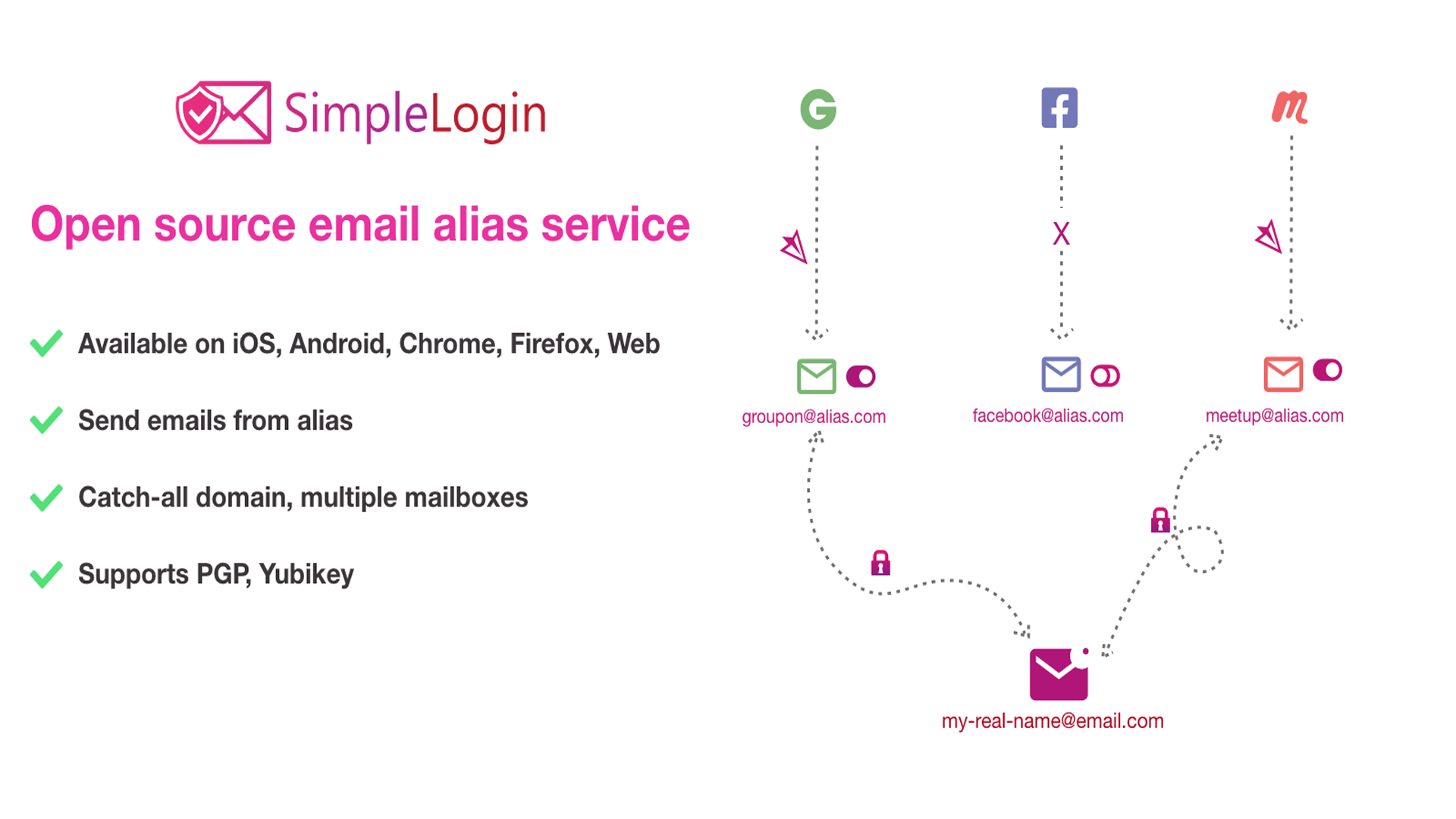
Learning how to set up different email aliases for websites can not only reduce the amount of spam emails in your inbox, but also lower the risk of receiving malicious emails in the first place.
If you’ve already clicked on a link or button in the suspicious email, don't panic! Implementing damage control will keep you safe.