
Is your computer missing something?
There are a lot of computers for sale out there, and each one comes with a seemingly endless list of specifications.
While that should make comparison shopping easier, it can be hard to read all those details if you’re not a hardware expert. We’ve seen many buyers simply head for the lowest price computer, missing out on key options.
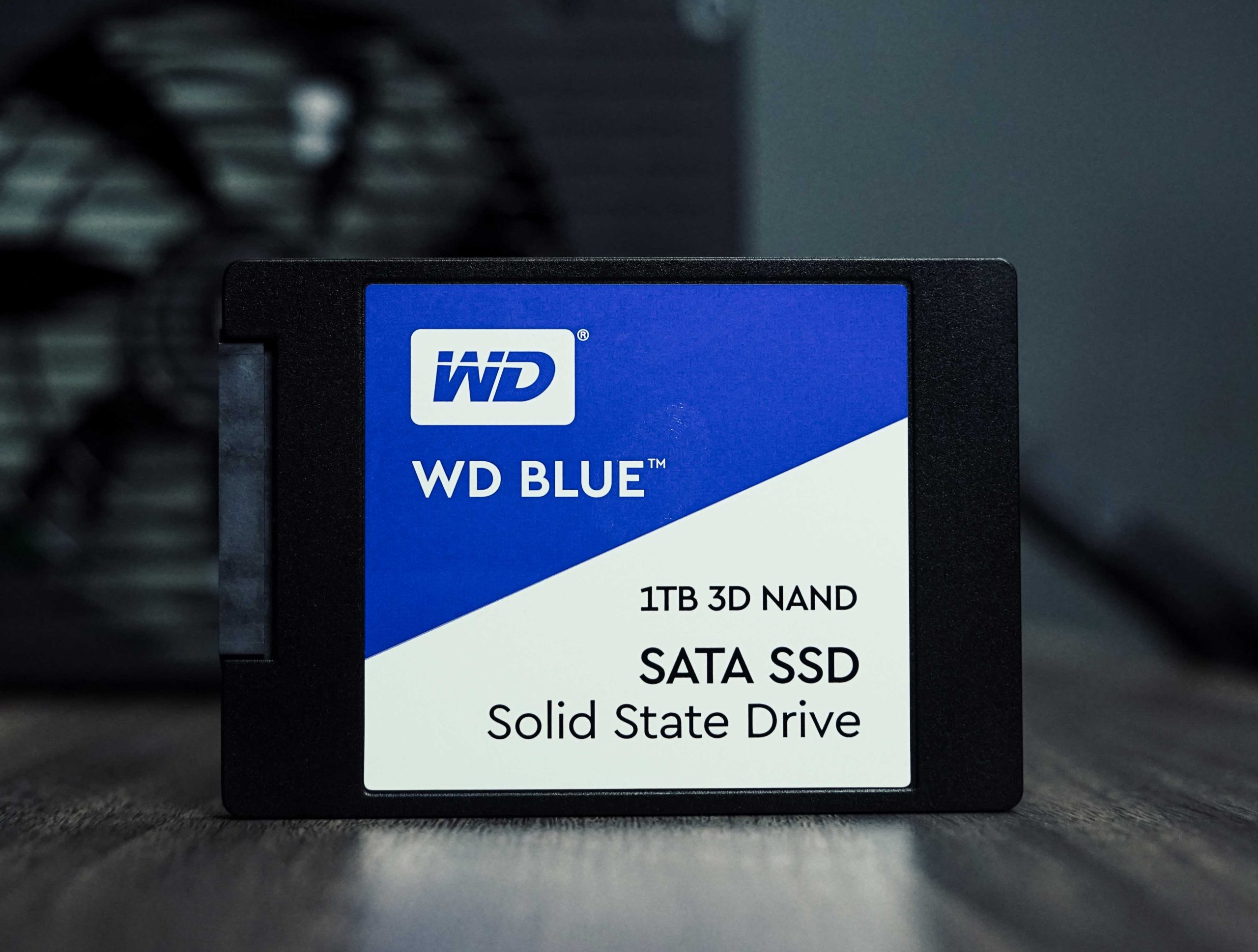
And there’s one option you definitely want to make sure your new machine has: a Solid State Drive (SSD).
SSDs, unlike their predecessors, don’t have any moving parts. Before SSDs came along, computers used Hard Disk Drives (HDDs). HDDs are an older type of drive with spinning magnetic disks inside. A small motor gets the disks up to speed and then keeps them spinning while in use.
A faster computer overrall
While both an SSD and an HDD will store your data, an SSD will do it faster – way faster! An HDD takes extra time to get spinning when the computer starts, and is just slower overall.
Having an SSD, on the other hand, improves how quickly the computer boots up as well as how quickly applications load. SSDs use less power (no spinning disks) and they’re lighter. Whether you’re buying a laptop or desktop computer, an SSD is the way to go.
Many people find that simply replacing their HDD with an SSD on an older computer can make a dramatic difference in overall performance!
How can I make sure I’m getting an SSD?
It can be tricky to read the specs, particularly if you’ve not bought a computer in a while. Also, vendors use confusing terms when they are marketing their products.
To be sure you are getting a Solid State Drive, look for terms such as SSD, Solid State Drive, and Flash Drive.
But avoid buying a computer with these terms: 5400 rpm, 7200 rpm, HDD. Those are the ones with the clunky, slow drives.
Also, don’t be fooled by the size comparison. For example, comparable computers might have a 256GB (gigabyte) SSD vs. a 1TB (terabyte) HDD. Even though the slower drive is about four times larger, you’ll be better off with the SSD.
Is it expensive?
An SSD does cost a little more than an HDD, but the price difference has been dropping over time. You don’t have to break the bank to get one – there are many moderately-priced computers for sale with SSDs. Considering how much faster the machine will be, it’s a great return on the slight price increase.
You’re getting a much better value by buying a computer with an SSD. You’ll be glad you got one!
Want more advice?
We’re your IT team. We take care of your organization’s computers, phones, software, and network, so your team can focus on what they do best.
Contact us today! We’ll be glad to help.